Tools · 2026
Figma Pressi
An AI-powered presentation maker that lives inside Figma.
- Status
- Shipped
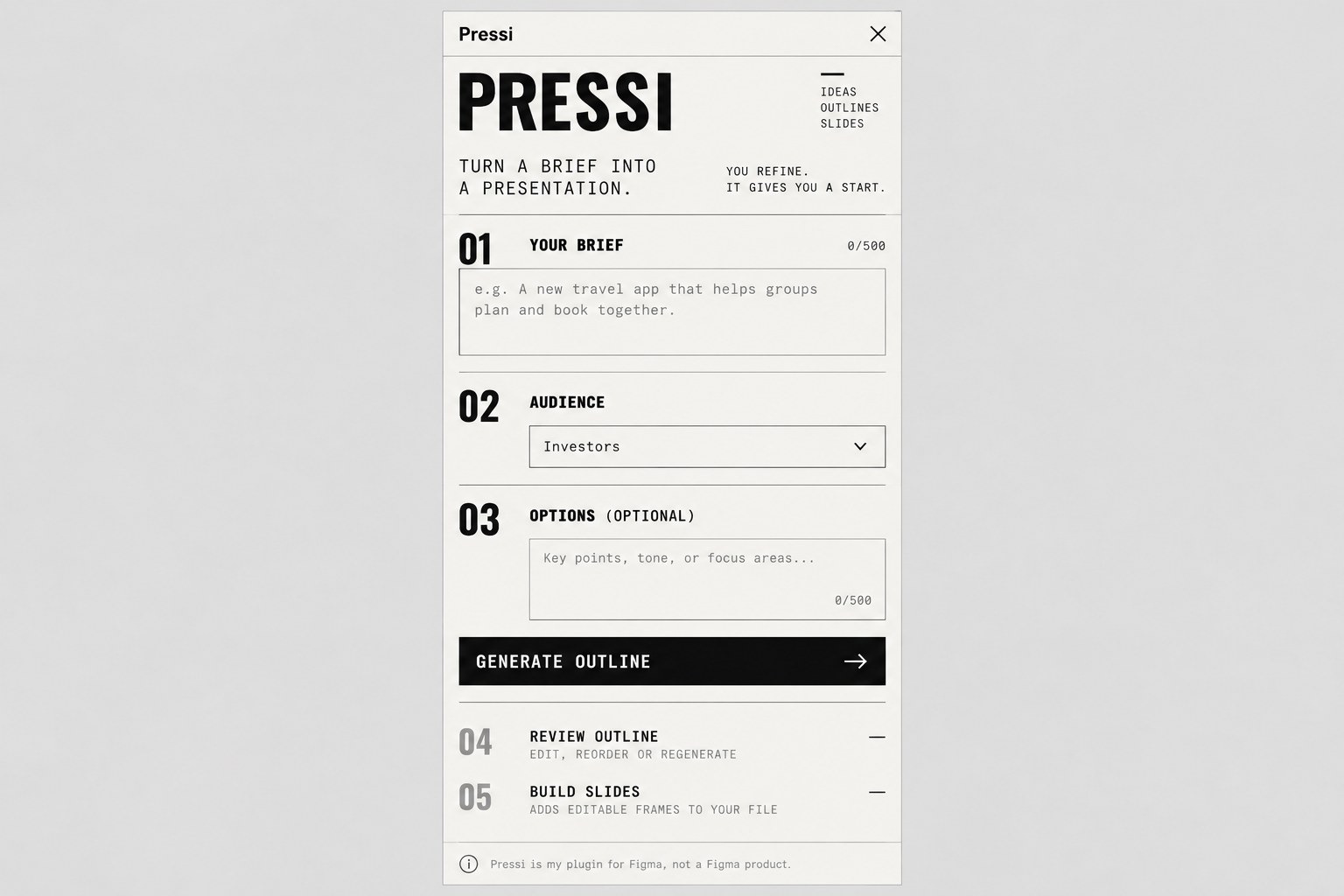
The content for a deck usually exists. Turning it into a clear sequence of slides is the slow, repetitive part.
Pressi is my plugin for Figma, not a Figma product. You give it a brief and an audience, it drafts a narrative and outline, and it builds editable slide frames you refine yourself. [Verify: which steps work today]
Generating slides isn’t the same as making a good presentation. The value is in how well it hands the work back: editable layers, consistent components, and easy correction.
Problem
The content for a deck usually exists already. Turning it into a clear sequence of slides is the slow, repetitive part.
Research
Planned: test the output against a consistent rubric for story, density and visual hierarchy.
Prototype
Brief in, editable slides out: Pressi drafts a narrative and outline, then builds slide frames in Figma through the Plugin API. [Verify: which steps work today]
In people’s hands
Next: share it with designers who build decks regularly, and watch what they edit first.
What happened
The risk: plausible slides with weak hierarchy and too much text. AI output has to be a starting point, with the designer in control.
What’s next
Add controls for audience, tone, length and visual density, test against the rubric, and handle incomplete briefs gracefully.
How I’m approaching it
The Double Diamond, as planned. Plans loop back once real people get involved, so this one does too.
- Discover
Find the repetitive parts of building a deck.
- Define
Draw the line between generated structure and designer judgement.
- Develop
Prototype brief-to-slides generation.
- Deliver
Review the output like a real deck.
- Define
Go back to content hierarchy wherever slides feel generic.
- Develop
Refine controls, editing and design-system constraints.
UX practices
- User controlReview, edit, regenerate and undo. The generated deck is never final.
- Progressive disclosureStart with a short brief, and reveal advanced controls when needed.
- Consistency and editabilityReuse components and tokens, while keeping generated content easy to change.
Service design
- Workflow integrationIt fits into the designer's existing Figma workflow instead of becoming another destination.
- Human reviewNarrative, accuracy, accessibility and hierarchy get checked before a deck is ready.